Healthcare that keeps working, even when the internet does not.
Register patients, run WHO-aligned triage, book consultations, keep electronic records and connect to specialists over your clinic's own network.
Emergency? Do not wait for a website.
Call your local emergency number or go to the nearest emergency department immediately. PulseGrid is not a substitute for emergency care. Emergency information →
One platform, every essential service
Designed for low-bandwidth clinics, low-cost devices and real clinical workflows.
Offline-first essentials
Registration, records, scheduling and triage keep working on the clinic LAN even when the internet is down.
Structured triage
Danger-sign screening, urgency flags and a clinician review queue. Every assessment records its protocol version.
Telemedicine
Peer-to-peer WebRTC audio and video for remote specialist consultations over the LAN or the internet.
Electronic records
Medical history, allergies, vitals, diagnoses, prescriptions and referrals in one auditable patient record.
QR patient identity
An opaque, tamper-evident token opens the right record after staff authentication. No clinical data is stored in the QR code.
Multilingual by design
Ghanaian and international languages, with a language switcher and right-to-left support built into the shell.
How it works
Three steps from registration to a documented care plan.
Register once
Create a patient account or let a nurse register you. You receive a unique patient number and a secure QR identity.
Describe your symptoms
Answer structured questions. Danger signs are escalated immediately and every submission is reviewed by a clinician.
Get a documented plan
Consult in person or by video, receive prescriptions and referrals, then download your report as CSV or PDF.
Care in motion
Live, local tools that help patients, families and clinicians understand and act sooner.
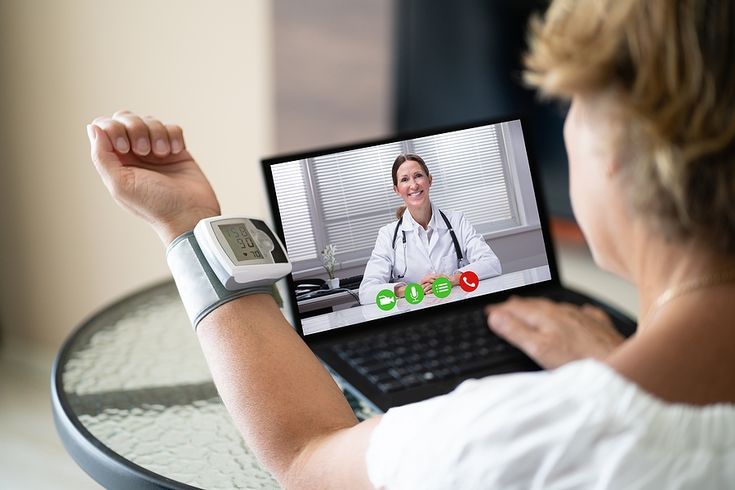
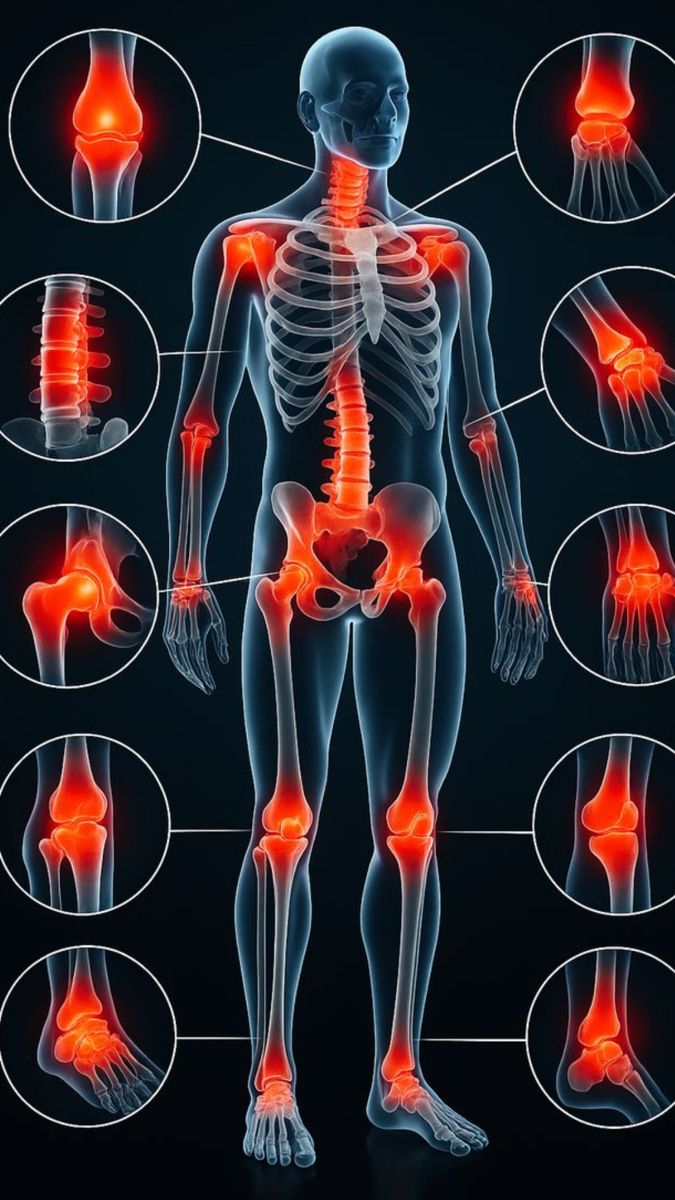


Images and animations are illustrative. Clinical decisions are always made by qualified staff.
One server. Every device on your Wi-Fi.
Tap a device in the picture to open the connection guide for phones, tablets and clinic computers.
Tap any device in the picture. The guide shows the live address, a QR code and firewall tips for this server.
Verified clinicians
Professional credentials are reviewed by an administrator before clinical access is granted.
Akosua Owusu
Dr. Kwame Boateng
Flow Test Doctor
Care in the languages people actually use
Switch language from the top bar at any time. Clinical translations require qualified human review.
Ready to put the clinic online — without depending on the internet?
Create a patient account, or ask your clinic administrator to register your team. The whole system runs on one local server and one LAN address.